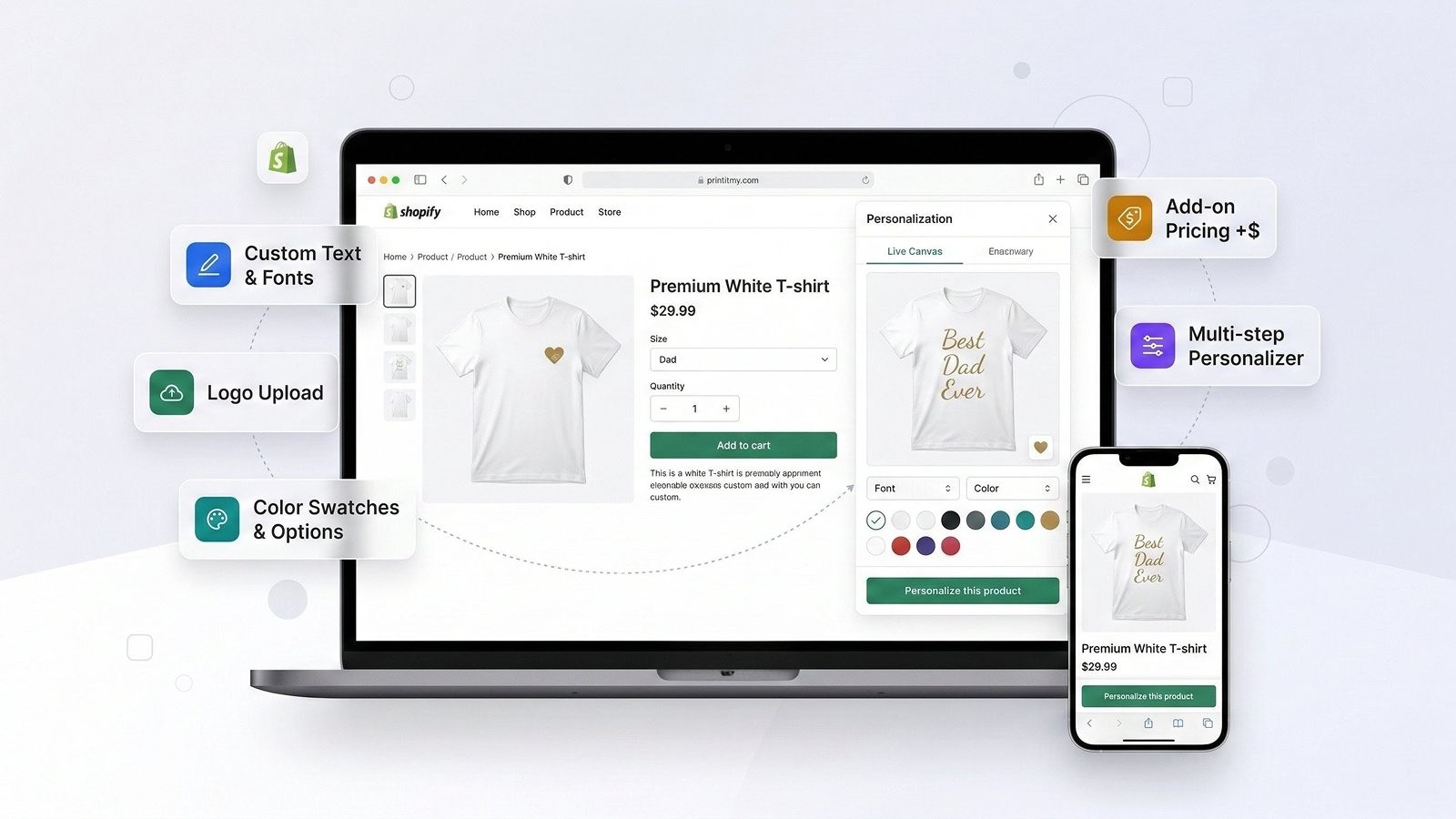
Print It My Way adds live product personalization to your Shopify store — custom text, logo uploads, and configurable options with a real-time canvas preview. No code required.
From custom text and fonts to logo uploads and product options — give your customers a premium personalization experience.
Customers see their text, fonts, colors, and logos update in real-time on the actual product image. What they see is what they get.
Single-line and multi-line text input with 35+ Google Fonts. Customers pick their font, color, alignment, and style — bold, italic, underline.
Let customers upload their own logos or choose from your curated default logo library. Position and size logos anywhere on the product.
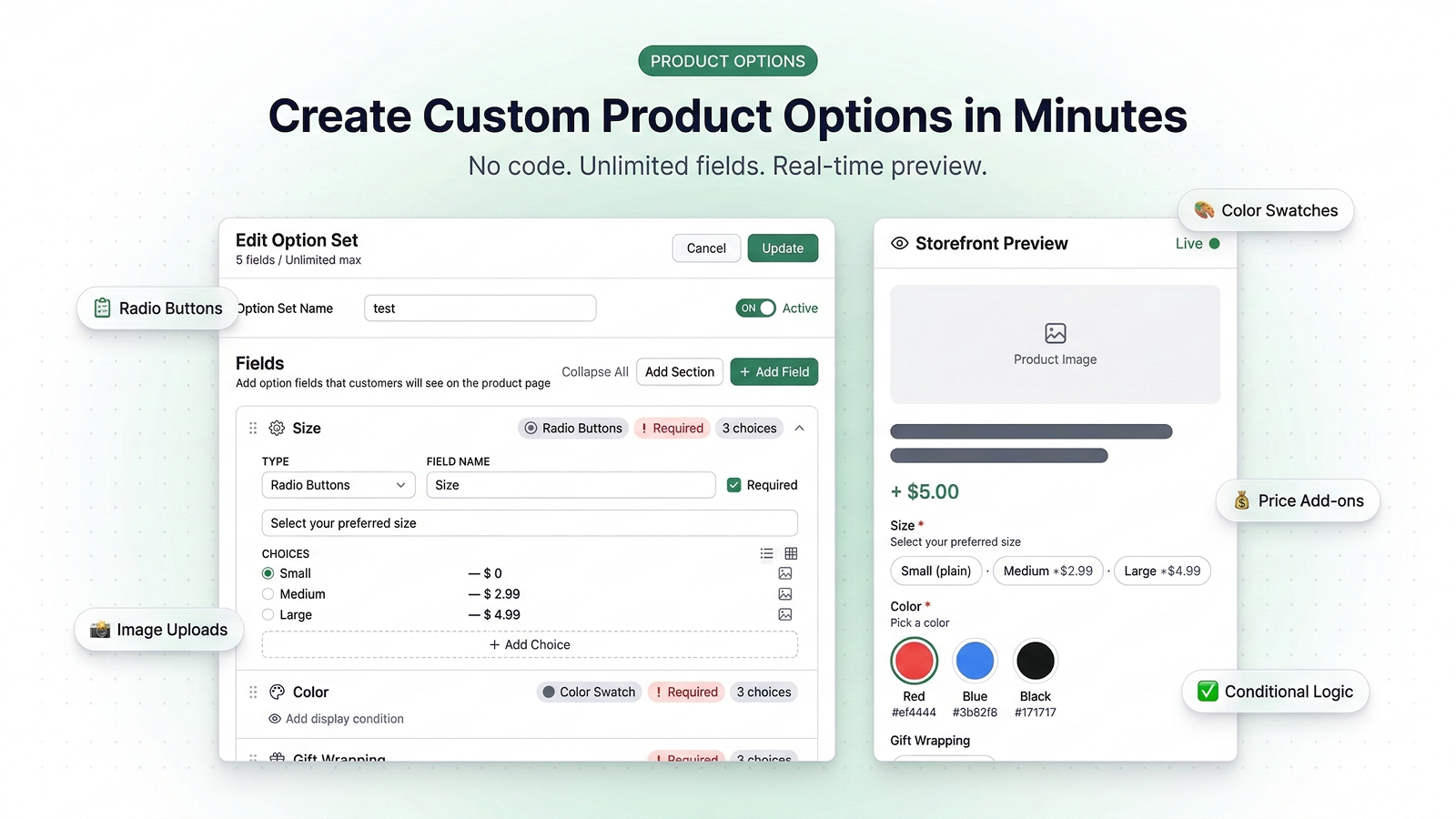
Dropdowns, radio buttons, color swatches, image swatches, checkboxes, text areas, toggles — build any product form you need.
Set per-text, per-logo, or per-step pricing. Fees are added to the cart automatically via Shopify's native Cart Transform. No hacky workarounds.
Show or hide option fields based on what the customer selects. Build smart, dynamic forms that adapt to each order.
Create sequential customization steps — each with its own background image, text areas, logo zones, and pricing.
Installs via Shopify app blocks. No code editing. Choose popup, drawer, or fullscreen layout. Customize colors, buttons, and positioning.
Touch-friendly interface with responsive design. Control visibility on mobile and desktop independently. Works on every device.
View all personalized orders in one place. See exactly what each customer entered — text, fonts, colors, and logos — per line item.
Design your personalization experience visually. Place text areas and logo zones directly on your product image using a WYSIWYG canvas editor. Set fonts, colors, sizes, and positioning — then let your customers do the rest.
Add unlimited custom fields to any product — without touching your theme code. Choose from 10 field types including color swatches, image swatches, dropdowns, and toggles.
Print It My Way injects directly into your product page using Shopify app blocks — no liquid editing, no custom code. Choose from a centered popup, a sliding drawer, or an immersive fullscreen experience.
Set custom pricing at every level — per text area, per logo, or per step. Fees are calculated in real-time and added to the cart via Shopify's native Cart Transform.
When a customer personalizes a product, all their choices — text, fonts, colors, logos — are captured and displayed in your order dashboard. No more digging through order notes.
No developers needed. No theme editing. Just install, build, and go.
Install Print It My Way from the Shopify App Store and enable the app embed in your theme editor. One click.
Use the drag-and-drop canvas editor to design your personalization flow. Add text areas, logo zones, fonts, and colors.
Pick the products that should offer customization. Assign individually or in bulk.
A "Personalize" button appears on your product page. Customers customize, preview in real-time, and add to cart.
See how merchants use Print It My Way
Let customers add their name, choose fonts and colors, and see it live on the shirt before ordering.
Engraving text, monograms, custom messages — with character limits and font choices.
Customers upload their company logo or choose from your default logo library. Set logo position and size.
Multi-step flows — pick a design on step 1, add text on step 2, choose color on step 3.
Use option sets to offer gift wrapping, rush shipping, extended warranty, or custom packaging as priced add-ons.
Multiple text areas for name, date, event title — each with independent font and alignment controls.
Start free. Upgrade as you grow. Save 20% with annual billing. All paid plans include a 7-day free trial.
For merchants getting started with product personalization.
For small stores offering customization on multiple products.
For growing stores with advanced customization needs.
For high-volume stores that need unlimited everything.
No. Print It My Way uses Shopify app blocks. Just enable the app embed in your theme editor and add the app block to your product template. No liquid or code editing required.
Yes. The app is compatible with all Shopify Online Store 2.0 themes. It renders as a popup, drawer, or fullscreen overlay on your product page.
Yes. You can set pricing per text area, per logo, or per step. Fees are added to the cart automatically using Shopify's Cart Transform and displayed separately from the product price at checkout.
35+ Google Fonts including Roboto, Playfair Display, Montserrat, Poppins, Dancing Script, Lobster, Bebas Neue, Pacifico, and many more. Fonts load dynamically on your storefront.
Yes, on Pro and Advanced plans. Customers can upload PNG, JPEG, WebP, SVG, or GIF files (up to 5MB). You can also provide a library of default logos for customers to choose from.
Their text, font, color, and logo selections are saved as custom properties on the cart line item. You can view all personalization details in the Print It My Way order dashboard.
Yes. Conditional logic (available on Pro and Advanced plans) lets you show or hide fields based on previous selections. For example, show an "Upload logo" field only if the customer selects "Yes" for "Add a logo?"
Yes. The Free plan includes 1 personalizer, 1 option set, and 10 product assignments — enough to test the app and start offering basic customization.
All paid plans include a 7-day free trial. You also get 20% off when you choose annual billing.
No. The storefront widget loads only on product pages where personalization is assigned. Fonts load on demand. The canvas preview runs entirely in the browser with no server round-trips.
Yes. Use bulk assignment (available on Basic and above) to assign a personalizer or option set to dozens or hundreds of products at once.
Go to the Print It My Way orders page. Each order shows a per-item breakdown of all customization data — text entries with fonts and colors, logo uploads, and option selections.
Install Print It My Way, create your first personalizer in minutes, and let your customers make every product their own.
Install on Shopify — Free